
Wattpad - Read & Write Stories
Wattpad.comBooks & Reference
3.7211.59K Reviews
- Version
- 11.43.4
- Installs
- 100.00M
- Age Rating
- Teen
Screenshots
Our Review of Wattpad - Read & Write Stories
 Analysis by Appyee
I usually think of a reading app as a place to keep books I already want to read. Wattpad - Read & Write Stories works differently: browsing is part of the experience, and the stories come from a wide community of writers as well as established authors. That makes it appealing when I want to explore unfamiliar voices, but it also means I need to be comfortable choosing among works with very different styles and levels of polish.
What the free starting point means
Wattpad is a free Books & Reference app from Wattpad.com, with optional in-app purchases listed from $0.99 to $89.99 per item. I see that as a low-friction way to try its reading and writing community before deciding whether any paid option is worth considering. The price range alone doesn’t tell me what a particular purchase includes, so I’d check the details shown in the app before spending rather than assuming payment is necessary for the basic experience.
That distinction matters if you’re comparing it with a conventional ebook shop. A store is usually built around finding a particular title and buying or borrowing it; Wattpad is more about discovering stories and following work shared on the platform. If you want a specific book you already have in mind, a dedicated ebook retailer or library app may be more direct. If you enjoy browsing and don’t mind encountering unfamiliar writers, the free starting point is more useful.
How I get more out of browsing
My best advice is to treat recommendations and trending lists as starting points, not guarantees. I’ll sample a story before committing, then save the ones that genuinely hold my attention. That small habit helps when a platform offers more possibilities than I can reasonably finish, and it makes my library feel like a chosen shelf instead of a pile of impulse taps.
I also find it useful to keep separate lists for different reading moods. A quick, light story and a plot-heavy mystery don’t serve the same moment, so organizing them makes it easier to pick something that fits the time I have. If I’m about to travel, I’d prepare the stories I want to read offline beforehand; that way I’m not relying on a connection when I’ve already settled in to read.
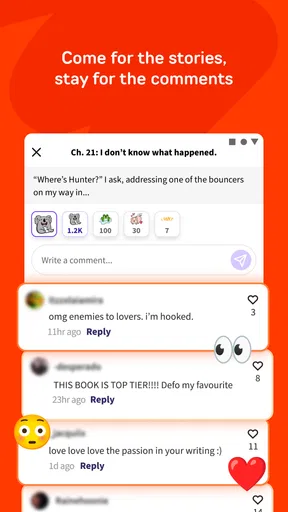
The community side changes how I judge a story, too. Comments can make reading feel more social, but they may also pull my attention away from the chapter. When I want to stay immersed, I focus on the text first and return to discussion afterward. For a writer, the reverse can be useful: reader responses may point to a confusing moment or a scene that people connect with, though comments are reactions rather than a substitute for careful editing.
Who is likely to find the value
I’d recommend Wattpad most to readers who like sampling new fiction, following writers as they publish, or talking about stories with other fans. It also suits someone who has an idea they want to develop in public, provided they’re ready to share unfinished work and take feedback with perspective. The app is rated Teen, so that age guidance is important for families; I’d still encourage younger readers and parents to make choices together about which stories feel suitable.
It is less compelling if your priority is a tightly curated catalogue, a particular bestselling title, or a quiet reading space with no social layer. Writers who want a private drafting tool may also prefer a dedicated writing app for early work, then use Wattpad when they’re ready to share chapters. I see its strongest value in the combination of reading, discovery, and community, rather than in replacing every other book or writing tool.
With an average rating of 3.9 from around five million ratings, it has clearly attracted a very large audience, while the volume of feedback also suggests that people have varied experiences. More than 100 million installs show its broad reach, not that every reader will enjoy the same kinds of stories. I’d use those figures as context, then decide based on whether its mix of browsing and participation matches how I like to read.
The app is currently at version 11.24.0 and requires Android 7.0 or later. If you’re choosing between reading on a phone and using a traditional ebook reader, the phone is convenient for discovery and community interaction, while a dedicated reader may be preferable for long sessions if you want a device focused on books. That’s a practical trade-off, not a reason to rule Wattpad out: it works best when its social and exploratory strengths are what you’re looking for.
In everyday use, I can imagine opening Wattpad during a commute, checking a saved list, and reading a few chapters offline after preparing them in advance. Later, I might leave a comment or work on a chapter of my own. That sequence makes the app feel less like a simple shelf and more like a reading habit with a creative side. The key is to choose stories deliberately and set a stopping point, since browsing can easily take longer than intended.
Discovering a Treasure Trove of Stories
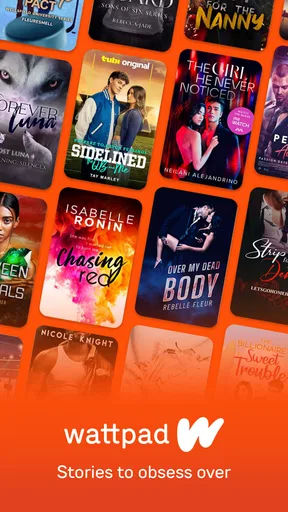
Imagine having a library at your fingertips, and not just any library, but one brimming with unique tales from writers all over the globe. That's what Wattpad offers. Whether it's romance, mystery, sci-fi, or any genre you can think of, there's something here for everyone. I often find myself diving into new worlds and getting lost in narratives crafted by both budding and experienced writers.
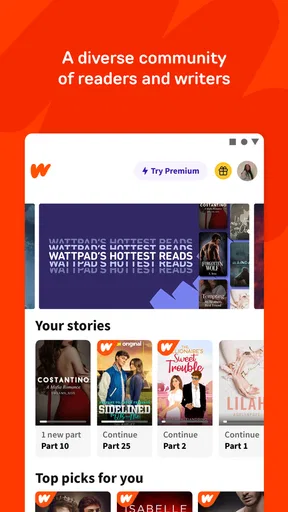
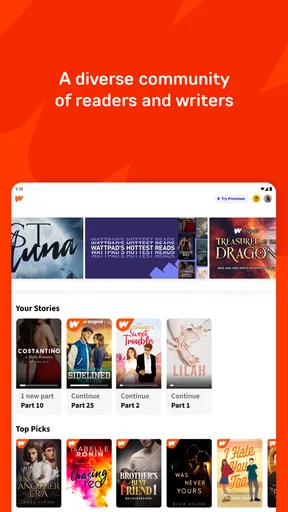
One of the coolest features is the personalized recommendations. The app learns what you like and curates stories that match your interests. It's like having a personal librarian who knows you inside out. And let's not forget the ever-popular "What’s Hot" list, which keeps you updated with trending reads. Trust me, you'll never run out of options.
Joining a Community of Storytellers
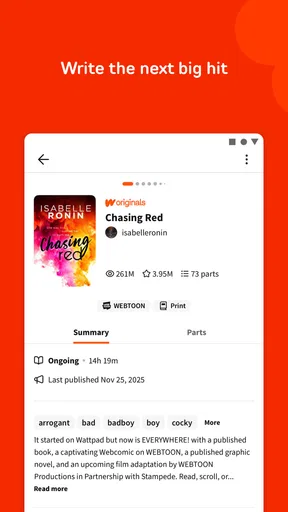
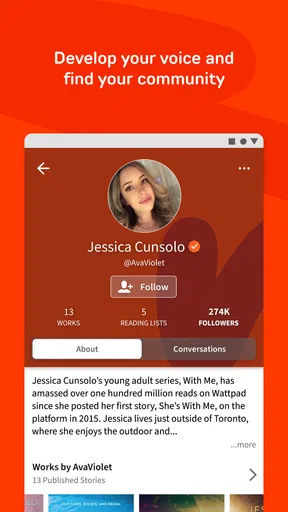
What sets Wattpad apart is its vibrant community. It's not just about reading; it's also a platform for sharing your own stories. I've always had a few story ideas floating around in my head, and Wattpad provides the perfect outlet to bring them to life. The ability to post chapters and receive feedback from readers is invaluable. It's like having your own focus group, offering insights and encouragement every step of the way.
Engaging with other writers and readers is seamless. You can comment on stories, join discussions, and even collaborate with other writers. It's a supportive environment that fosters creativity and growth. Plus, there's something incredibly rewarding about seeing your work resonate with others and maybe even making it to the "Featured" section!
Easy Navigation and User-Friendly Interface
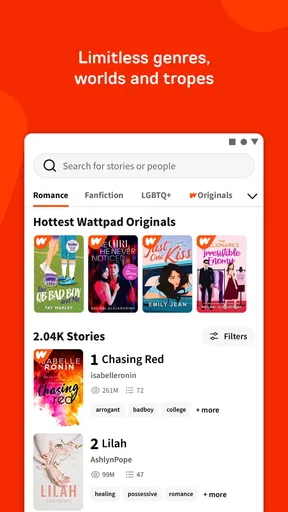
The app’s design is sleek and intuitive, making navigation a breeze. With everything neatly categorized, finding your next read is as easy as pie. One feature I particularly appreciate is the offline mode. You can download stories to read without an internet connection—perfect for long commutes or travel.
Adding stories to your library and organizing them into custom lists is straightforward. I’ve created lists for different moods, so whether I’m feeling like a sappy romance or a nail-biting thriller, it’s all just a tap away. The reading experience itself is customizable, allowing you to adjust font size and background color to suit your preferences. It’s all about making the reading journey as enjoyable as possible.
Unleashing Creativity with Wattpad's Writing Tools
For those with a passion for writing, Wattpad is a dream come true. The in-app writing tools are robust yet simple to use. Drafting chapters, editing, and publishing are straightforward processes, and the platform provides analytics to track how your story is performing. I've found it immensely satisfying to see the number of reads and votes climb as more people discover my work.
Another exciting aspect is the opportunity for writers to have their stories discovered and adapted into TV shows, movies, or even books. Wattpad has partnerships with major entertainment companies, and several stories have made it to the big screen. It’s a fantastic incentive for writers to put their best foot forward.
Final Thoughts: A Must-Have for Readers and Writers Alike
Overall, Wattpad - Read & Write Stories is a powerhouse for anyone passionate about storytelling. It’s more than just an app; it’s a community, an inspiration hub, and a gateway to endless creativity. Whether you're there to find your next favorite read or to pen that story you've always wanted to write, Wattpad has something to offer.
If you haven't checked it out yet, I highly recommend giving it a download. Who knows? You might just discover the next bestseller or unleash the writer within you. Happy reading and writing!
Privacy and Permissions
See what permissions an app requests and how it handles your data.
- Photos/Media/Files
- read the contents of your USB storage
- Storage
- read the contents of your USB storage
- Other
- view network connections, full network access, reorder running apps, control vibration, prevent device from sleeping, Google Play license check
Verdict
Strengths of Wattpad - Read & Write Stories
- Vast library of diverse stories.
- User-friendly interface for easy navigation.
- Offline reading mode available.
- Supports multiple languages.
- Active community for feedback and interaction.
Limitations of Wattpad - Read & Write Stories
- Contains ads that disrupt reading.
- Limited features in free version.
- Some stories may lack quality control.
- Requires internet for updates.
- In-app purchases can be costly.
Similar Picks in This Category
View All
Google Play Books & Audiobooks
Google LLC4.7

네이버 - NAVER
NAVER Corp.3.5

King James Bible - Verse+Audio
Ozion4.8

Bible Offline-KJV Holy Bible
Bíblia Offline4.9

Amazon Kindle: Reading App
Amazon Mobile LLC4.8

Audible: Audiobooks & Podcasts
Audible, Inc.4.6
You May Also Like
View All


Frequently Asked Questions
What is Wattpad and how does it work?
Wattpad is a platform that allows users to read and write stories. It offers a community-driven experience where writers can publish their work for free and engage with readers through comments and feedback. Available on both Android and iOS, Wattpad provides a vast library of genres and personalized reading recommendations.
Is Wattpad free to use, and are there any in-app purchases?
Wattpad is free to download and use, providing access to a wide range of stories. However, it also offers a premium subscription called Wattpad Premium. This subscription removes ads, provides offline reading, and offers additional features. Some stories may also be available for purchase or require in-app currency to read.
How can I publish my own stories on Wattpad?
To publish a story on Wattpad, you need to create an account and use the app’s writing tools. You can draft your story, add cover images, and set tags to reach your target audience. Once published, your story becomes accessible to Wattpad’s global community, allowing you to receive feedback and grow your reader base.
Are there any age restrictions for using Wattpad?
Wattpad is intended for users aged 13 and above due to its diverse content, which may include mature themes. The platform encourages users to be mindful of content ratings and community guidelines. Parents can also discuss appropriate content with younger users to ensure a safe and enjoyable experience.
How does Wattpad ensure the quality and safety of its content?
Wattpad relies on community moderation and reporting features to maintain quality and safety. Users can flag inappropriate content, and Wattpad staff reviews these reports. Additionally, the platform provides content ratings to help readers make informed choices. Authors are encouraged to follow community guidelines to foster a positive environment.
